

Skip to content
Book a free 30-minute call with an engineer

UI/UX Design

Product design for web and mobile apps, tested with users.

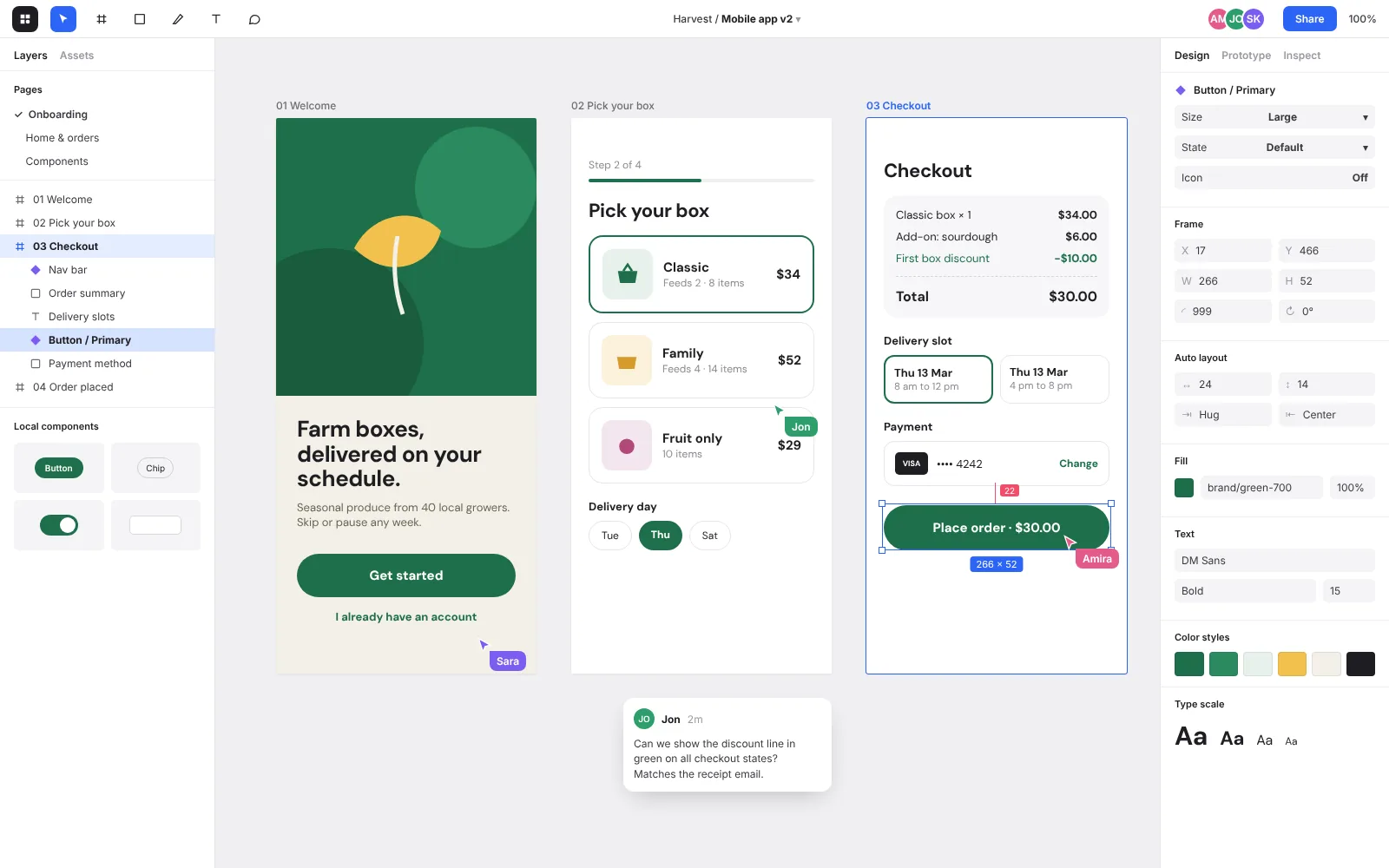
Design file with mobile app screens

Good interface design mostly happens before anything looks pretty. We talk to your users, map out the tasks they're trying to finish, and test rough wireframes until the flow makes sense. Only then do we work on visual design.

Our designers sit with our engineers, so what we hand over can be built as drawn. You get Figma files, a component library and a clickable prototype you can show to investors or test with customers before development starts.

What’s included

Pick the parts you need. Most projects use all of them.

  1. 01

    User research

    Interviews, surveys and analytics reviews to find out where people get stuck today.

  2. 02

    Information architecture

    Navigation, page structure and naming that make sense to the people using the product.

  3. 03

    Wireframes & prototypes

    Low-fidelity flows first, then clickable Figma prototypes we test with real users.

  4. 04

    Visual design

    Interface design that fits your brand and holds up across screen sizes and dark mode.

  5. 05

    Design systems

    Reusable components, tokens and documentation in Figma, matched to the coded components.

  6. 06

    Usability testing

    Moderated test sessions with a written report of what to fix and in what order.

What you walk away with

  • Research summary with personas and key user journeys
  • Wireframes and a clickable high-fidelity prototype
  • Final UI designs for every screen and state
  • Figma design system with components and tokens
  • Developer handoff notes and design QA during the build
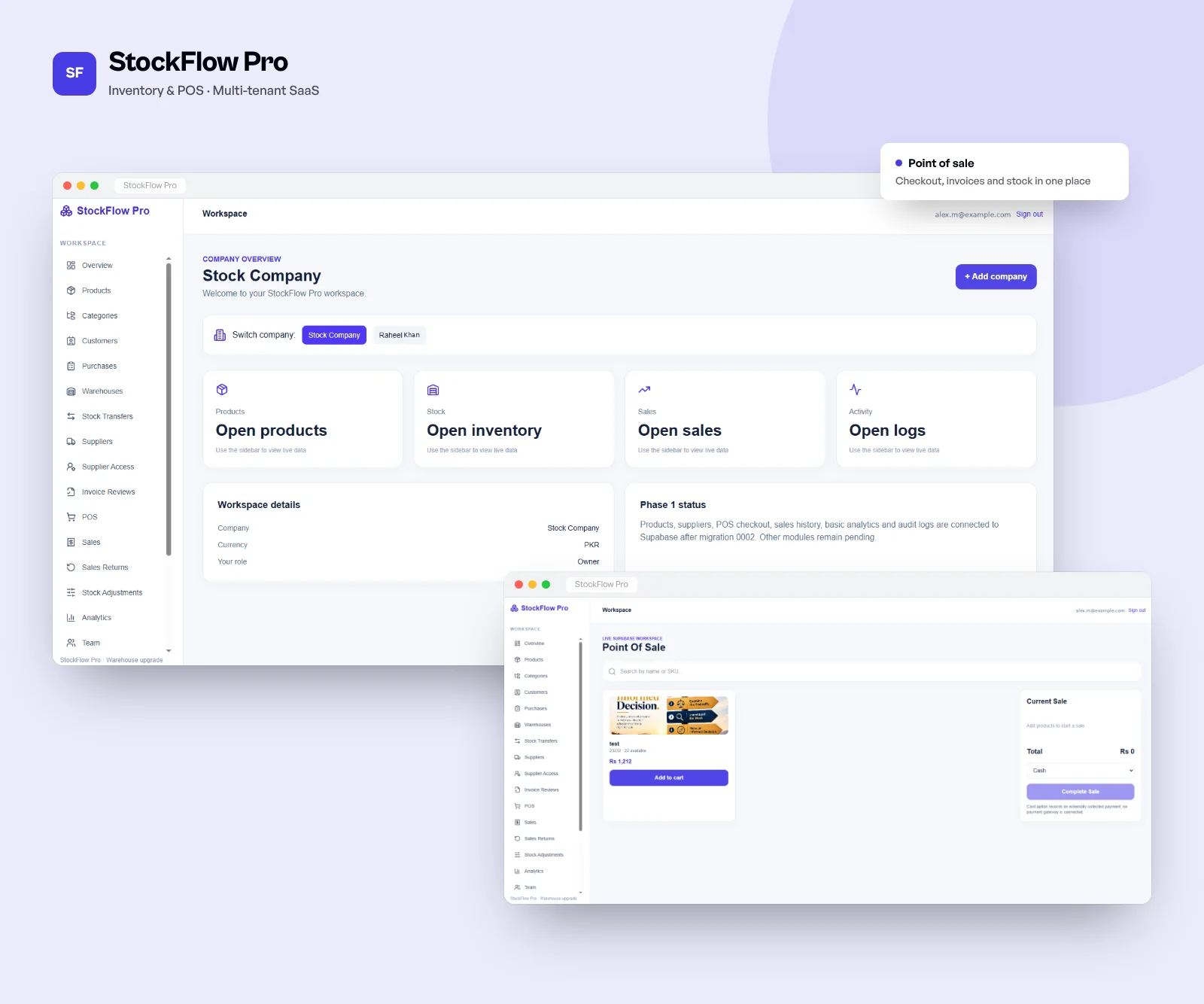
StockFlow Pro screens

StockFlow Pro, Multi-company retail and wholesale

Tools we use

We choose per project. These come up most often for ui/ux design work.

InvoiceList.tsxTSX
1export function InvoiceList({ invoices }: Props) {​
2 const [filter, setFilter] = useState<Status>("open");​
3 const visible = useMemo(​
4 () => invoices.filter((i) => i.status === filter),​
5 [invoices, filter],​
6 );​
7​
8 return (​
9 <section>​
10 <StatusTabs value={filter} onChange={setFilter} />​
11 {visible.map((inv) => (​
12 <InvoiceRow key={inv.id} invoice={inv} />​
13 ))}​
14 </section>​
15 );​
16}​

How a project runs

Five stages, two-week sprints and a demo at the end of every one.

  1. 01  Week 1

    Discover

    A couple of workshops with your team. We map the users, the must-haves and the risks, then send a written scope with a fixed estimate.

    MVP roadmapSprint 4 of 6 · launch in 3 weeksLater2Next2Now2Done3Referral codesGrowthDark modeUIAdmin exportsBackendPush remindersMobileStripe checkoutPaymentsOnboarding flowDesignSign up & loginAuthBooking APIBackendStore listingReleasev1.0 live
  2. 02  Weeks 2 to 4

    Design

    User flows, wireframes and the visual design in Figma. You click through a prototype, and we test it with a few real users before any code.

    Home · v2StaylineLisbon, 3 nights12 to 15 May · 2 guestsFree cancellation until FridayTotal€486Book nowColourTypeAaHeading 32Body 16 / 1.5Caption 12ComponentsPrimarySecondaryToggleTested with 6 users ✓
  3. 03  2-week sprints

    Build

    Code, tests and a staging site you can open any time. Every sprint ends with a demo, so you always see what changed.

    app.yourcompany.com/ordersNorthdeskOverviewOrdersCustomersInventoryReportsSettingsOrders142 this month · $48,210+ New orderOrderCustomerStatusTotal#1042Maple StudioNew$3,400#1038Harlow LtdPaid$1,240#1039BrightwayPending$860#1040Okafor & CoPaid$2,115#1041NordlineShipped$540Order #1042 created
  4. 04  Go-live

    Launch

    Security checks, load testing, App Store and Play Store submission, then a production release with monitoring switched on.

    ~/app — zsh$ git push origin mainEnumerating objects: 14, done.To github.com:acme/app.git 4f2a1c9..b81e0d3 main → mainCI triggered: pipeline #482Instances3 / 3 healthyCPU 64% · autoscale onPipeline #482main · b81e0d3BuildTestDeploy
  5. 05  After launch

    Improve

    We watch the analytics, fix what users trip over and keep shipping features. Most clients keep us on after launch.

    Uptime · last 30 days99.98%30 days agoTodayResponse time142 msp95 · all regions09:0015:00Incident resolved · 4 minCheckout API latencyRolled back · on-call: SamDeployed to productionv2.14.1Today 09:12Latest

UI/UX Design: common questions

How much does UI/UX design cost?

Design for an MVP typically costs $8k-$25k depending on the number of screens and how much research is involved. A full design system for a larger product can be more. We price design separately or as part of a build.

How long does the design phase take?

For most products, 3-6 weeks covers research, wireframes, visual design and a tested prototype. We can start development on the finished flows while the rest is still being designed.

Can you redesign our existing product?

Yes. We begin with a UX audit and a look at your analytics, then fix the most painful flows first. A redesign doesn't have to be one big release.

Do you work in Figma?

Yes. Everything is in Figma, and the file is yours. We set it up so your own designers can keep working in it after we're done.

Will the developers build exactly what was designed?

That's the point of keeping design and engineering in one team. Our designers review the builds before each release and catch the differences early.

Related services