

Skip to content
Book a free 30-minute call with an engineer

API Development & Integration

APIs and integrations that keep your systems in sync.
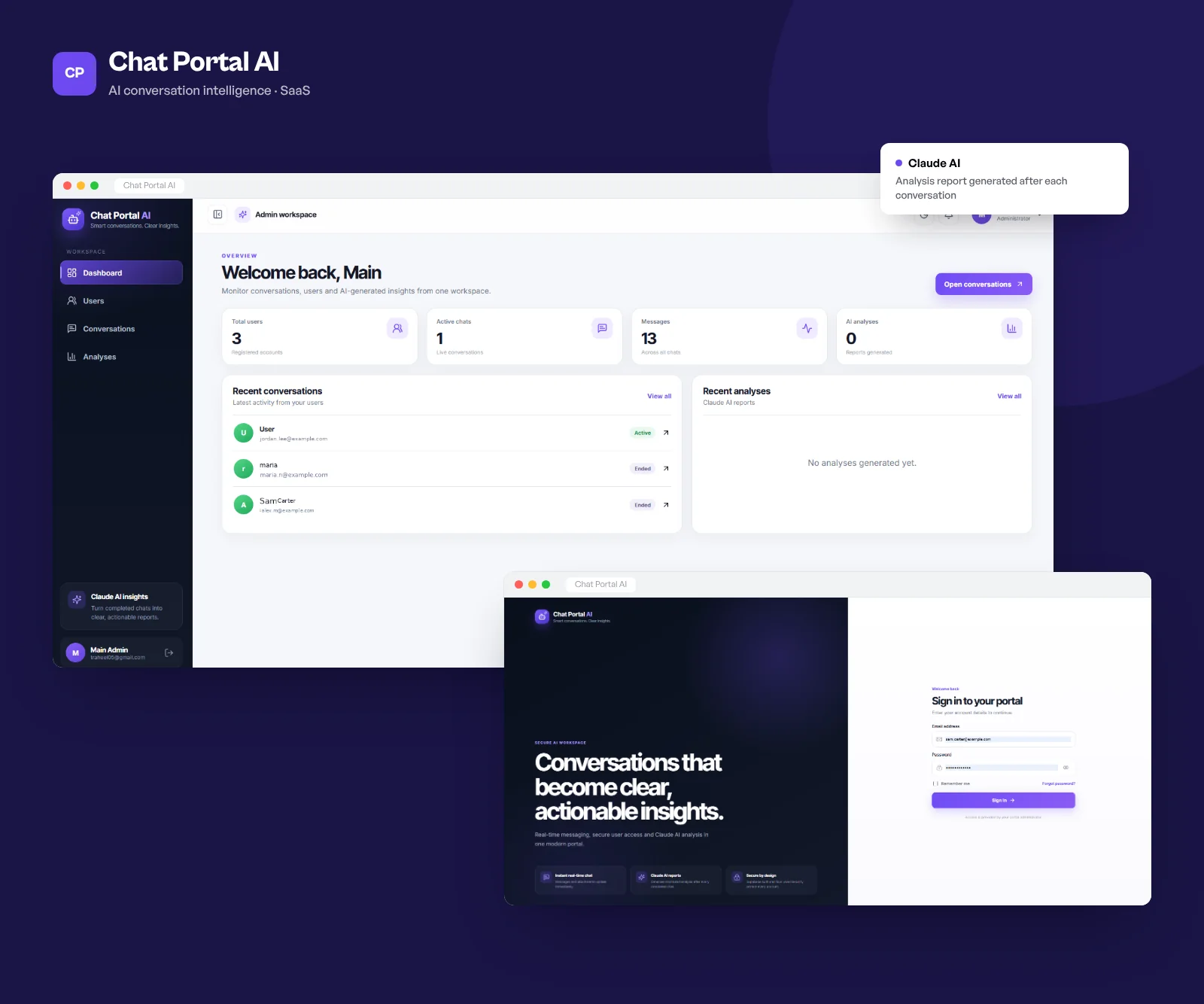
Chat Portal AI screens

When systems don't talk to each other, people end up copying data between them by hand. We build the APIs and integrations that move that data automatically: connecting your product to payment providers, CRMs, ERPs, logistics partners and whatever else your business depends on.

We design APIs that other developers find easy to use, with clear documentation, versioning and sensible error messages. Integrations get retries, logging and alerts, so a failed sync is noticed in minutes, not at month-end.

What’s included

Pick the parts you need. Most projects use all of them.

  1. 01

    REST & GraphQL APIs

    Documented, versioned APIs for your apps, partners and public developers.

  2. 02

    Third-party integrations

    Stripe, Salesforce, HubSpot, QuickBooks, Twilio, shipping carriers and many more.

  3. 03

    Webhooks & events

    Event-driven integrations with queues, retries and dead-letter handling.

  4. 04

    Data sync & ETL

    Scheduled and real-time sync between databases, SaaS tools and data warehouses.

  5. 05

    API gateways & security

    Authentication, rate limits and usage tracking for APIs you expose.

  6. 06

    Legacy system bridges

    Modern APIs in front of older systems, so new apps can use their data.

What you walk away with

  • API design and integration architecture
  • Production APIs with OpenAPI or GraphQL documentation
  • Integrations with retries, logging and alerts
  • Automated tests and a sandbox environment
  • Runbooks for monitoring and troubleshooting
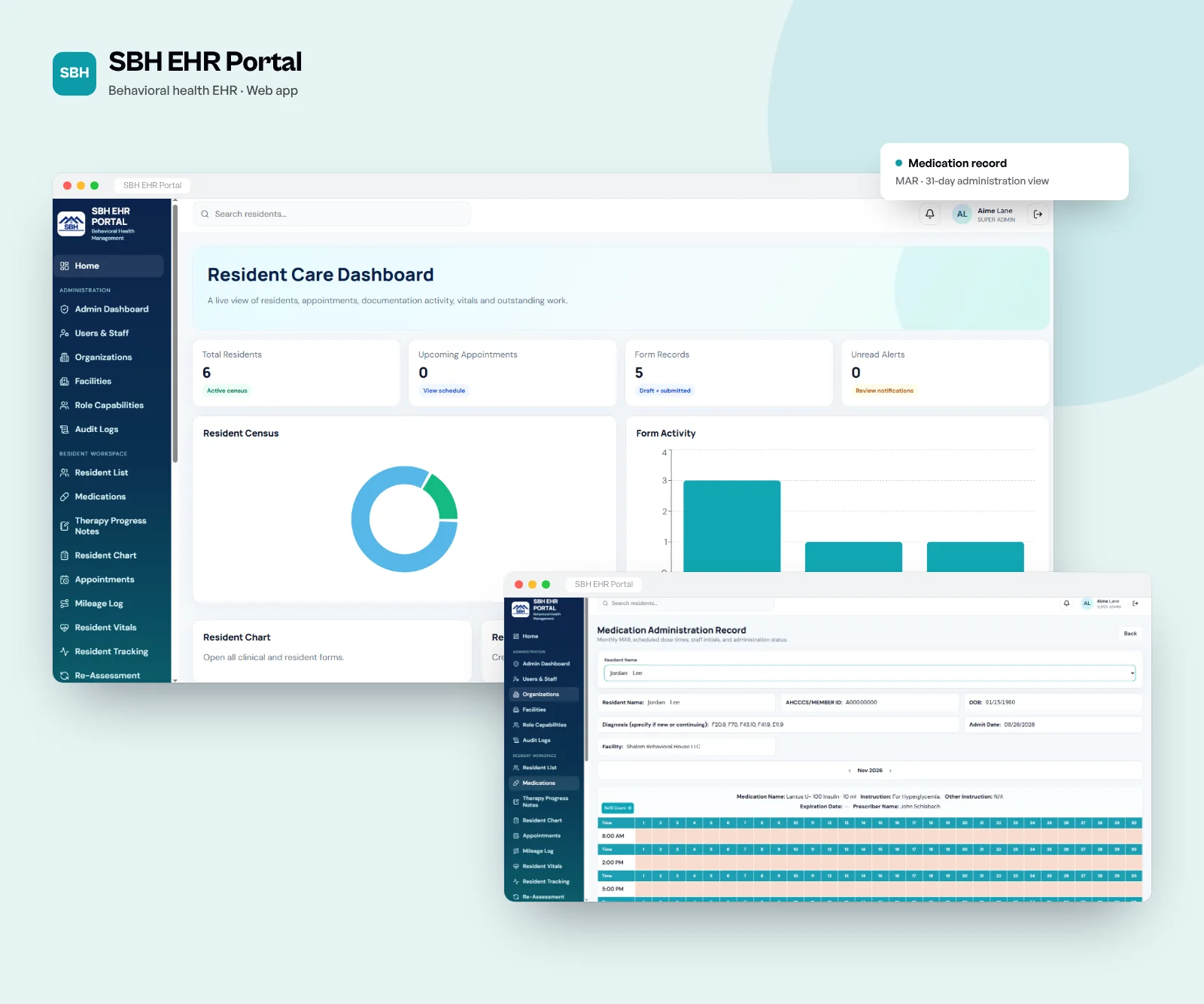
SBH EHR Portal screens

SBH EHR Portal, SBH, behavioral health

Tools we use

We choose per project. These come up most often for apis & integrations work.

routes/signup.tsTypeScript
1const Signup = z.object({​
2 email: z.string().email(),​
3 password: z.string().min(10),​
4 company: z.string().max(80),​
5});​
6​
7app.post("/api/signup", async (req, res) => {​
8 const body = Signup.safeParse(req.body);​
9 if (!body.success) {​
10 return res.status(422).json(body.error.flatten());​
11 }​
12 const user = await users.create(body.data);​
13 res.status(201).json({ id: user.id });​
14});​

How a project runs

Five stages, two-week sprints and a demo at the end of every one.

  1. 01  Week 1

    Discover

    A couple of workshops with your team. We map the users, the must-haves and the risks, then send a written scope with a fixed estimate.

    MVP roadmapSprint 4 of 6 · launch in 3 weeksLater2Next2Now2Done3Referral codesGrowthDark modeUIAdmin exportsBackendPush remindersMobileStripe checkoutPaymentsOnboarding flowDesignSign up & loginAuthBooking APIBackendStore listingReleasev1.0 live
  2. 02  Weeks 2 to 4

    Design

    User flows, wireframes and the visual design in Figma. You click through a prototype, and we test it with a few real users before any code.

    Home · v2StaylineLisbon, 3 nights12 to 15 May · 2 guestsFree cancellation until FridayTotal€486Book nowColourTypeAaHeading 32Body 16 / 1.5Caption 12ComponentsPrimarySecondaryToggleTested with 6 users ✓
  3. 03  2-week sprints

    Build

    Code, tests and a staging site you can open any time. Every sprint ends with a demo, so you always see what changed.

    app.yourcompany.com/ordersNorthdeskOverviewOrdersCustomersInventoryReportsSettingsOrders142 this month · $48,210+ New orderOrderCustomerStatusTotal#1042Maple StudioNew$3,400#1038Harlow LtdPaid$1,240#1039BrightwayPending$860#1040Okafor & CoPaid$2,115#1041NordlineShipped$540Order #1042 created
  4. 04  Go-live

    Launch

    Security checks, load testing, App Store and Play Store submission, then a production release with monitoring switched on.

    ~/app — zsh$ git push origin mainEnumerating objects: 14, done.To github.com:acme/app.git 4f2a1c9..b81e0d3 main → mainCI triggered: pipeline #482Instances3 / 3 healthyCPU 64% · autoscale onPipeline #482main · b81e0d3BuildTestDeploy
  5. 05  After launch

    Improve

    We watch the analytics, fix what users trip over and keep shipping features. Most clients keep us on after launch.

    Uptime · last 30 days99.98%30 days agoTodayResponse time142 msp95 · all regions09:0015:00Incident resolved · 4 minCheckout API latencyRolled back · on-call: SamDeployed to productionv2.14.1Today 09:12Latest

APIs & Integrations: common questions

REST or GraphQL?

REST is simpler and works well for most public and partner APIs. GraphQL suits apps that need flexible queries across many related objects, such as complex dashboards or mobile apps. We often use both in the same product.

Can you integrate with a system that has no API?

Often, yes. We've worked with database connections, file exchanges over SFTP and carefully built browser automation when nothing else was available.

How do you handle failed integrations?

Every integration has retries with backoff, logging, and alerts that tell someone when something needs attention. Failed messages are kept so they can be replayed once the problem is fixed.

How long does an integration take?

A standard integration with a well-documented API usually takes 1-3 weeks. Complex two-way syncs or poorly documented systems take longer.

Can you document our existing API?

Yes. We can audit an existing API, write OpenAPI specs and developer guides, and suggest improvements.

Related services